
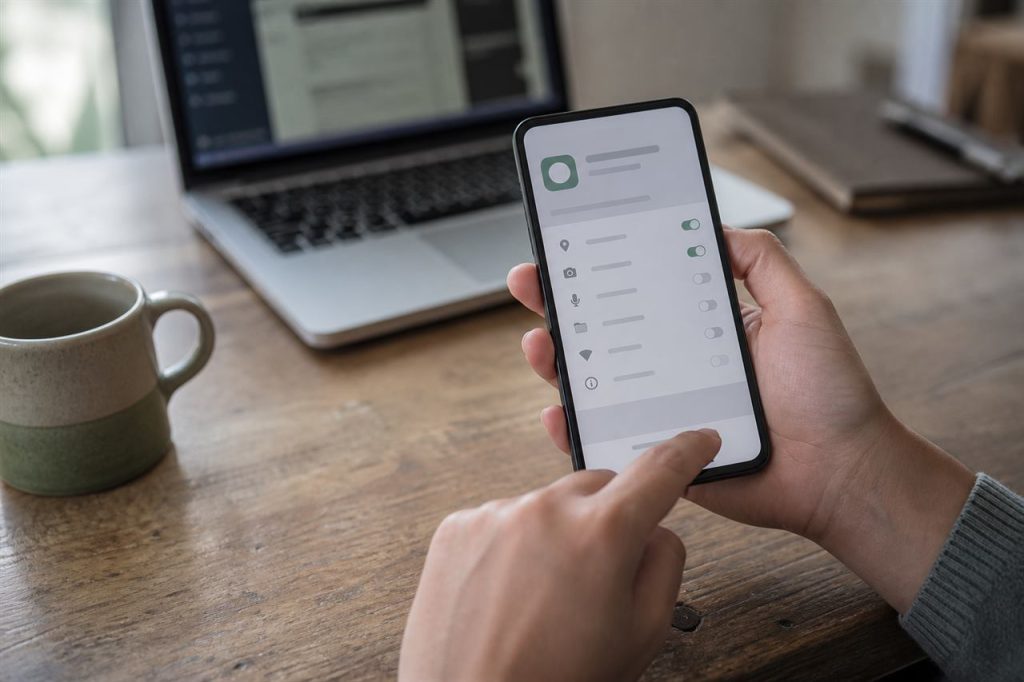
Installing an APK can be useful when an Android app is not available through a familiar app store, but it also removes some of the checks that users normally rely on. Before installing any Rummy APK, take a few minutes to verify who provides the file, what version it claims to be, and what access it requests.
What to verify
- Source: Confirm the domain and publisher match information you independently checked.
- File details: Version label, file size, and (when published) a hash such as SHA-256.
- Package name: Compare with previous installs so you are not replacing a different app.
- Permissions: Review the list before granting access. See our permissions guide.
- Terms: Bonus headlines are not a guarantee. Read current eligibility and withdrawal rules inside the app.
After you download
Scan the file with up-to-date device protection. If Android warns that the package is unsafe, do not ignore the warning solely to complete setup. PeakRummy does not certify third-party APK files and does not operate the apps listed on this website.
If something looks wrong
Stop the install. Do not send the APK, your OTP, or payment details to unofficial “helpers”. Report a broken or unexpected download destination through the Contact page, including the PeakRummy URL you used.