
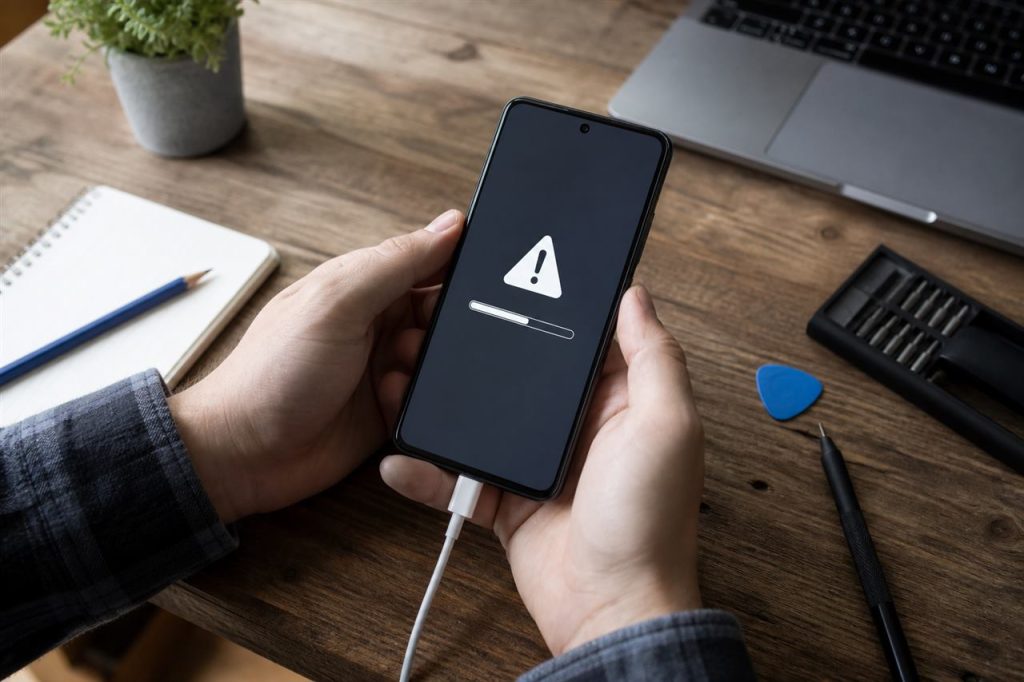
When a Rummy APK will not install, repeatedly downloading the same file is rarely the best first step. Android may reject an installation because the package is incomplete, the device lacks storage, an older version conflicts with it, or the app does not support the device.
This PeakRummy guide starts with low-risk checks. It does not ask you to bypass Android security warnings just to force an install.
Common causes
- Insufficient storage or a nearly full downloads folder.
- An incomplete or corrupted APK download.
- An older version already installed that conflicts with the new file.
- Android version or architecture (32-bit / 64-bit) mismatch.
- Unknown-sources permission not granted for the browser or files app you used.
- Play Protect or another security app blocking the package.
Low-risk checks
- Confirm the download finished and the file size looks complete.
- Free several hundred MB of storage, then retry.
- Uninstall a previous copy of the same app before installing a new APK, if you accept losing local data.
- Install from the same Files or browser app that received the download, and allow that one source only.
- After a successful install, turn off “install unknown apps” for that source.
What not to do
Do not disable all device security, root the phone, or install a “mod” APK from an unrelated chat merely because the official-looking file failed. If the package still will not install, treat the source as unverified and stop.
See also: How to verify an Android Rummy APK.